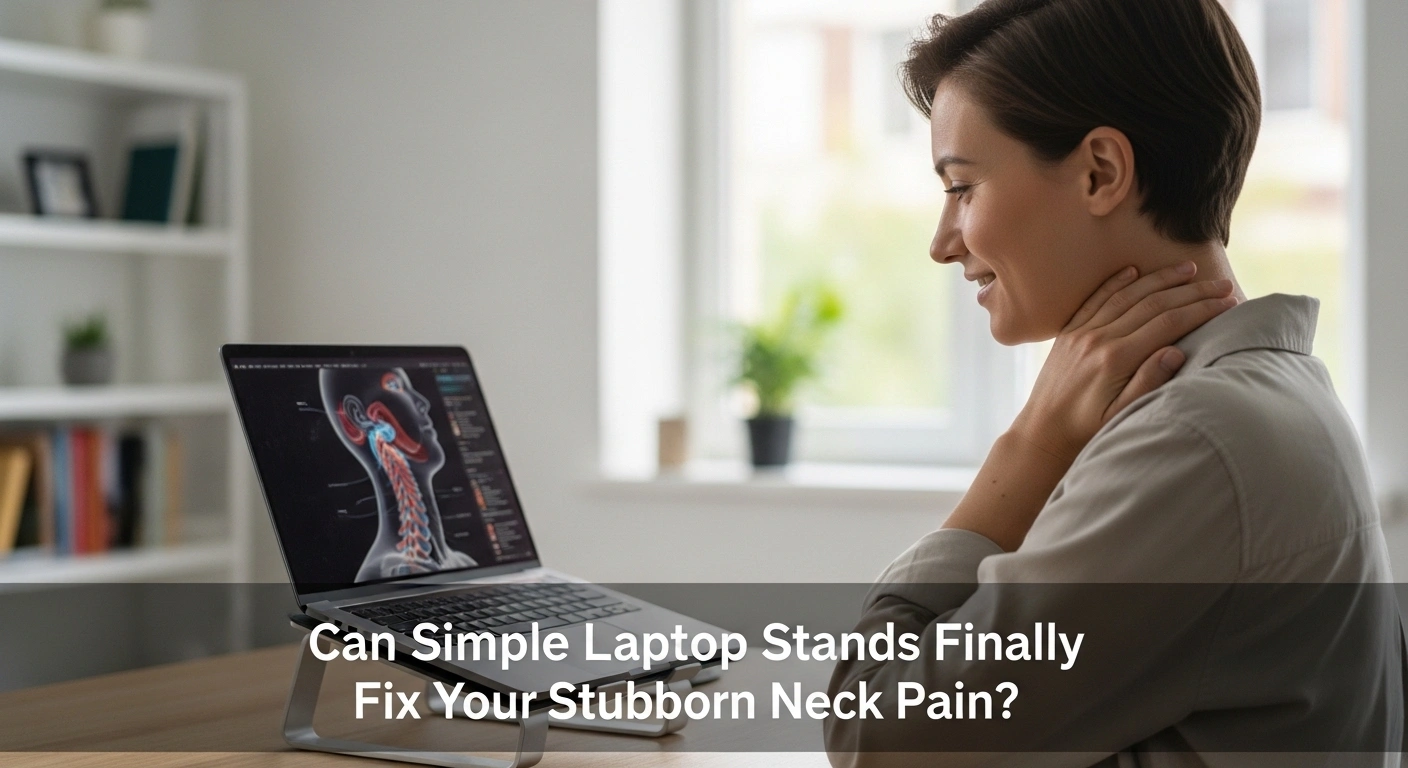
Can Simple Laptop Stands Finally Fix Your Stubborn Neck Pain?
Working from a tiny screen all day is a miserable physical experience. You hunch over the keyboard just to read your important emails. Soon, a familiar burning sensation creeps into your tired upper back. You rub your sore muscles, feeling completely defeated by the afternoon. Many frustrated remote workers wonder about the connection between laptop stands & neck pain. Can a cheap piece of plastic or metal actually cure your physical misery?
The honest answer is a resounding yes. A laptop stand is the single most effective tool for curing tech neck. It physically lifts your flat screen directly up to your natural eye level. This stops you from constantly bending your heavy head forward. Your overworked neck muscles finally get a chance to relax and heal. However, a stand alone is not a complete magic trick. You must pair it with a separate external keyboard for true physical relief.
The Hidden Mechanics of Tech Neck
How Looking Down Destroys Your Spine
Your delicate cervical spine is built to hold your head perfectly upright. It handles this specific vertical weight beautifully every single day. But bending your head downward changes the rules of physics entirely. Looking at a flat desk multiplies the physical weight of your skull.
This unnatural pressure crushes your soft spinal discs slowly over time. Your muscles have to work ten times harder just to hold you steady. This creates painful muscle knots that radiate burning heat down your back. You simply cannot ignore this daily mechanical abuse. Your spine will eventually scream for a permanent break.
The Heavy Burden of Your Head
The average human head weighs about ten to twelve pounds. That is the exact weight of a standard bowling ball. Imagine holding a heavy bowling ball slightly tilted forward all day long. Your tired arms would give out in just a few minutes.
This is exactly what your poor neck muscles do during office hours. When you bend your neck at a forty-five-degree angle, the weight shifts. Your neck suddenly feels like it is holding fifty pounds of dead weight. This insane load causes deep, sharp pain between your shoulder blades. Lifting your screen is the only way to drop this heavy bowling ball.
Muscle Fatigue and Eye Strain
Neck pain never just stays strictly in your neck. The tight muscles pull directly on the base of your sensitive skull. This tension triggers massive, blinding headaches that ruin your entire workday. You might even feel strange numbness tingling down your tired arms.
Your eyes also suffer terribly from a poor viewing angle. You naturally squint and lean closer to read tiny text on low screens. This combination of bad posture and screen glare causes severe eye fatigue. You end up feeling physically exhausted and mentally drained by five oclock. A raised screen cures both your blurry vision and your aching muscles.
How Laptop Stands Transform Your Posture
Raising Your Screen to Eye Level
A portable laptop stand does one very specific job perfectly. It brings your digital work up to meet your resting eyes. You no longer have to bow down to your computer screen. Your workstation finally bends to fit your natural human shape.
This simple physical change provides instant, wonderful relief. You can sit proudly with your chest open and your chin held high. Your lungs expand fully, pumping fresh oxygen to your tired brain. You will likely feel a sudden rush of clean energy and focus. Raising your hardware is the first step to feeling healthy again.
Restoring a Neutral Neck Posture
Occupational health specialists talk endlessly about finding a neutral posture. This simply means keeping your joints aligned in their natural resting state. A good stand helps your neck find this peaceful middle ground easily. Your ears should line up perfectly with your relaxed shoulders.
When you achieve this balance, your muscles turn off and finally rest. The constant, nagging burn in your upper back will slowly fade away. You can finally concentrate on your actual work instead of your pain. Finding neutrality gives your damaged tissues a real chance to recover fully. It feels like taking off a heavy backpack after a long hike.
Preventing Chronic Shoulder Tension
Low screens force your shoulders to creep upward toward your ears. We all do this unconsciously when we get stressed and tired. This permanent shrugging motion locks your upper back into a tight, painful shell. A laptop riser physically stops this bad habit from forming.
By lifting your gaze, your shoulders naturally drop down and back. The tight knots in your trapezius muscles start to loosen and melt. You will notice a huge increase in your daily physical flexibility. Reaching for a high shelf will no longer cause sharp, shooting pain. A simple metal stand protects your entire upper body structure.
Creating the Perfect Ergonomic Workstation
The Need for External Keyboards
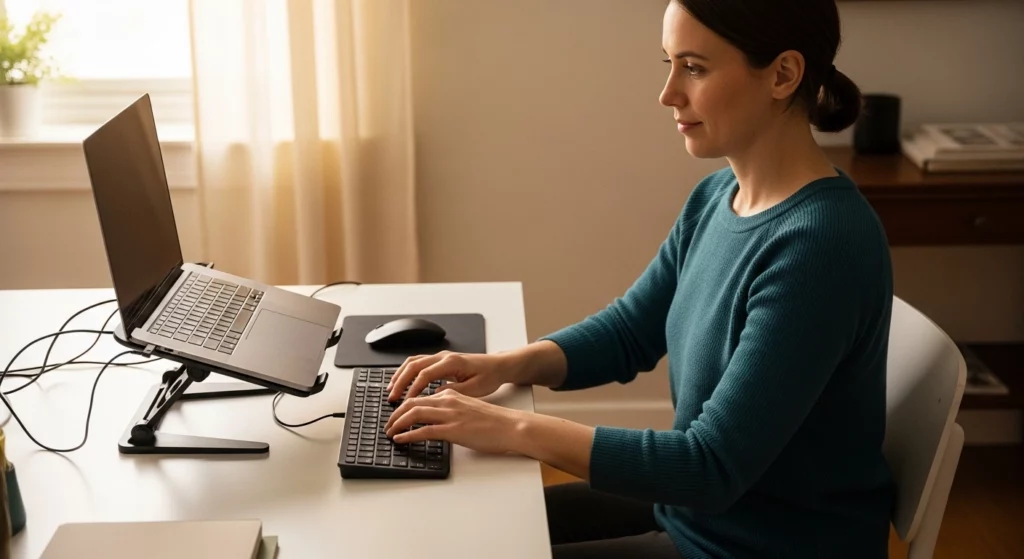
Lifting your computer creates a brand new physical problem immediately. Your keyboard is now floating high up in the air. Typing on a raised laptop will quickly destroy your delicate wrists. Your arms will ache from reaching upward all day long.
You must buy an external keyboard and an external mouse. This allows your hands to rest comfortably flat on your desk surface. Your elbows should bend at a peaceful ninety-degree angle while you type. This simple split setup separates your screen from your typing surface perfectly. It is the absolute gold standard for home office ergonomics.
Adjusting Your Viewing Angle Properly
Just buying a stand is not enough to cure your pain. You have to adjust the specific height to match your unique body. The very top third of your screen should sit exactly at eye level. Your eyes should naturally look slightly downward to read the text.
Here is a quick checklist for setting up your screen perfectly:
- Place the stand directly in front of your resting body.
- Adjust the height so the top bezel matches your eye line.
- Tilt the screen slightly backward for a natural reading angle.
If the stand is too high, you will tilt your chin upward. This causes a different kind of terrible strain on your neck joints. Take five minutes to play with the adjustable settings on your stand. Finding that sweet spot will save you from months of physical therapy.
Pairing with Supportive Furniture
A raised screen is useless if your office chair is completely broken. You need a solid foundation to support your new, healthy posture. A bad chair will force your lower back to collapse inward immediately. This completely ruins the neutral alignment you just created up top.
You must invest heavily in good seating for real pain relief. Be sure to check our guide on the Best Ergonomic Chairs for Back Pain Relief to find true comfort. A great chair hugs your lumbar spine tightly. It holds your hips steady while your stand protects your delicate neck. Good furniture works together as a complete team to heal your body.
Daily Habits to Support Your New Setup
Taking Vital Movement Breaks
Even the most perfect desk setup cannot replace basic human movement. Your body strongly rebels against sitting perfectly still for hours on end. You must force yourself to walk away from your desk frequently. Your muscles need regular, healthy blood flow to survive the long workday.
Try these quick movement ideas to keep your muscles happy:
- Roll your shoulders backward in large circles ten times.
- Gently tilt your left ear toward your left shoulder.
- Stand up and reach your hands high toward the ceiling.
Set a gentle alarm on your phone for every forty-five minutes. Stand up, stretch your arms wide, and look out a distant window. This rests your tired eyes and resets your stiff spinal joints. Movement is the ultimate medicine for a stiff, unhappy body.
Alternating Your Working Position
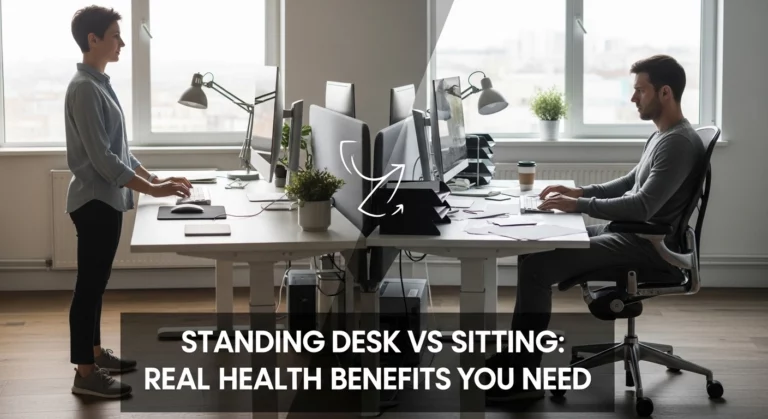
You can supercharge your healing by changing how you work entirely. Standing up completely alters the physical load on your tired joints. You should absolutely learn about Standing Desk vs Sitting to understand the value of movement.
Alternating your stance keeps your core muscles awake and active. You can easily use a portable laptop stand on top of a counter. This creates a cheap, effective standing desk in just seconds. Switching positions prevents any single muscle group from getting overly tired. Variety is the true secret to surviving a modern desk job.
Assessing Corrective Wearables
Sometimes we need a little extra physical help to break bad habits. You might consider wearing a gentle back brace while you work. Many people ask, Do Posture Correctors Actually Work? explains exactly how to use them safely.
These devices gently remind you to pull your shoulders back down. They work wonderfully when paired with a good screen height. Just be sure to use them sparingly to avoid muscle weakness. They are a training tool, not a permanent physical crutch. Rely on your new ergonomic setup for your primary daily support.
FAQs
Will a laptop stand cure my tension headaches immediately?
Yes, lifting your screen usually brings very fast relief. It stops the deep muscle pulling that triggers severe tension headaches.
Do I really need to buy a separate keyboard and mouse?
Yes, this is an absolute requirement for daily safety. Typing on a raised computer will quickly cause severe wrist pain.
Are cheap plastic stands just as good as expensive metal ones?
A cheap stand works fine as long as it is fully adjustable. Metal stands just offer better durability and cooling for your hot computer.
How high exactly should I raise my computer screen?
The top third of your visual screen must sit exactly at eye level. You should not have to tilt your chin up or down to read.
Can a raised screen help with my severe eye strain?
Yes, it stops you from leaning forward and squinting closely at the glass. Proper distance and height reduce visual fatigue massively.
Final Takeaways
Living with a burning, painful neck is not a normal part of life. You do not have to accept physical misery as the price of working hard. A simple adjustable stand can completely rewrite your daily physical experience. Lifting your flat screen to eye level solves the root cause of tech neck. It stops you from bowing down and hurting your delicate spinal discs.
Remember that a stand is just one part of the healing puzzle. You absolutely must buy an external keyboard to protect your tired wrists. Take the time to adjust your chair and take frequent walking breaks. Your health is the most valuable asset you will ever own. Protect your spine fiercely by building a workspace that respects your human body. You deserve to work in total comfort every single day.

- Best Pillows for Ear Cartilage Pain to Make Side Sleeping More Comfortable - October 22, 2026
- How to Release a Shoulder Knot: 7 Simple Fixes That Work - October 22, 2026
- Best TENS Unit for Back Pain: The Right Pick for Your Pain, Budget, and Routine - October 20, 2026